Статьи / How AI Image Generators Work: From Text Prompts to AI-Generated Images
How AI Image Generators Work: From Text Prompts to AI-Generated Images
Klyra AI / December 7, 2025
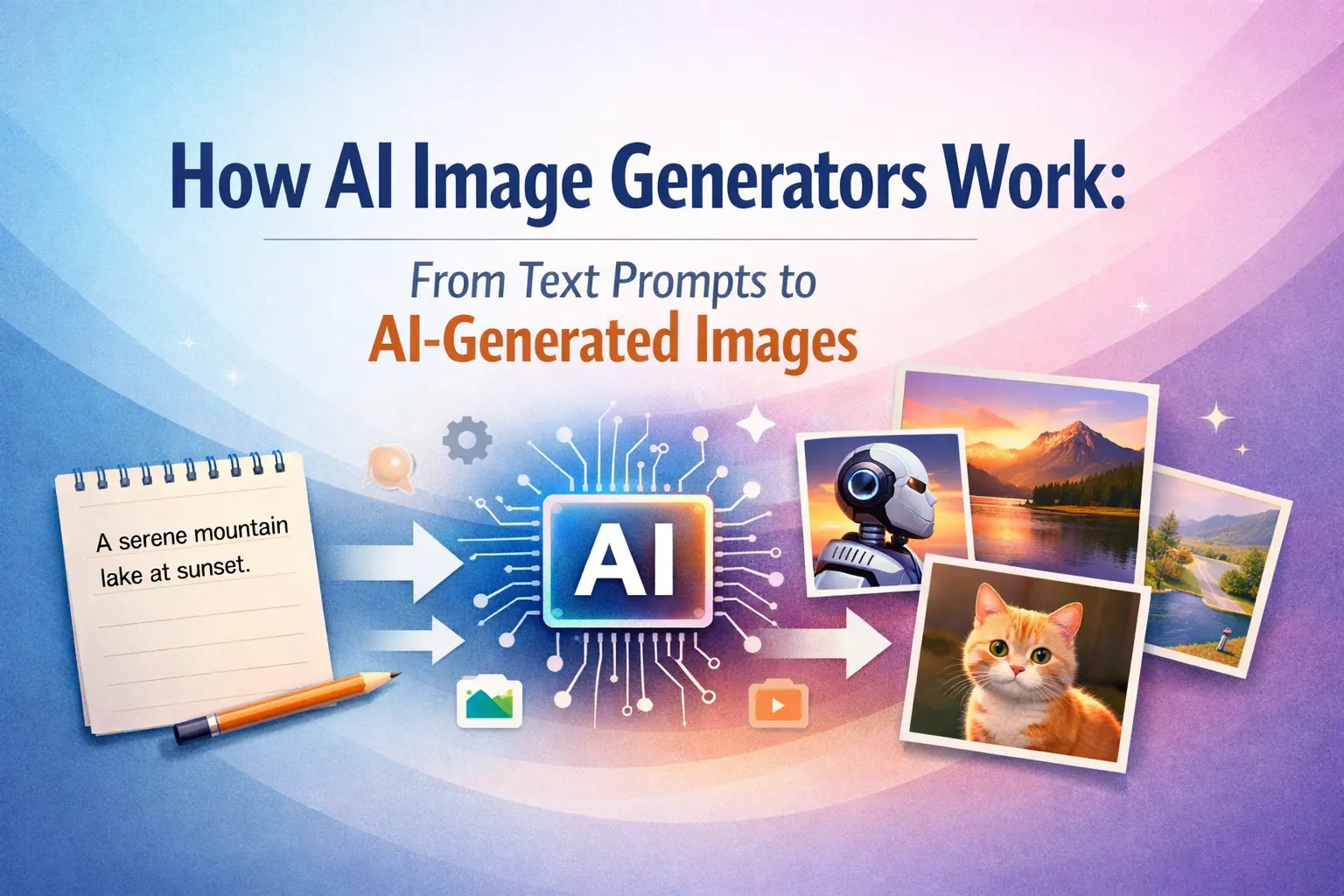
AI image generators have rapidly changed how creators produce visuals online. Instead of relying on complex design software or manual illustration, anyone can now turn a simple text prompt into a complete image within seconds. An AI image generator analyzes the description you provide and transforms those words into structured visual elements such as shapes, colors, lighting, and composition.
Behind the scenes, advanced text-to-image models interpret the meaning of your prompt and convert it into mathematical patterns. These patterns guide the system as it builds an image step by step. By learning from millions of images during training, the model understands how objects, environments, and artistic styles relate to each other. This allows it to generate realistic scenes, digital artwork, product visuals, and creative illustrations that match the intent of the prompt.
For creators, marketers, and businesses, this technology removes many traditional barriers to visual production. AI generated images can be used for marketing graphics, product photography, blog illustrations, social media visuals, and concept design without requiring advanced editing skills. Instead of spending hours creating visuals manually, creators can experiment with ideas quickly and generate multiple variations until they find the perfect result.
Understanding how AI image generators work helps you write better prompts, choose the right settings, and produce more accurate visuals. In the following sections, we will break down the technology behind text-to-image models, explain how prompts become images, and explore the step-by-step process that turns raw noise into fully rendered visuals.
How AI Image Generators Actually Work
AI image generators transform written descriptions into fully rendered visuals using advanced machine learning models. When a user enters a prompt, the system interprets the text and converts it into mathematical representations that describe objects, styles, colors, lighting, and spatial relationships. These representations guide the model as it begins constructing the image step by step.
Most modern AI image generator systems rely on diffusion-based text-to-image models. Instead of directly drawing an image, the model begins with a canvas filled with random visual noise. Through multiple processing steps, the system gradually removes that noise while shaping the image to match the meaning of the prompt. Each step refines the structure, adding forms, textures, and details until a clear image appears.
The process begins when the model reads the prompt and identifies the key concepts within it. For example, if the prompt contains objects, environments, or artistic styles, those elements are translated into numerical patterns that the model can understand. These patterns guide how the AI places objects, adjusts lighting, and builds the overall composition.
As the generation process continues, the model refines the visual structure layer by layer. Early stages determine the layout and positioning of major objects, while later stages focus on details such as textures, shadows, reflections, and color gradients. Because the model has been trained on large image datasets, it can recreate realistic patterns and artistic styles with impressive accuracy.
Platforms like Klyra AI Image Generator make this process easier by combining several powerful text-to-image models in one workflow. Instead of relying on a single engine, creators can generate AI images using technologies such as Midjourney, DALL·E, Stable Diffusion, Flux, and Clipdrop. Each model offers different strengths, including artistic rendering, high-detail realism, or faster generation speeds.
By combining prompt interpretation, diffusion-based image formation, and model-specific enhancements, AI image generators can produce detailed visuals in just a few seconds. This structured workflow allows creators to quickly experiment with ideas, generate multiple variations, and produce professional-quality images without traditional design tools.
Core Architecture Behind AI Image Models
The foundation of most modern AI image generator systems is a diffusion-based architecture. Diffusion models generate images by reversing a process in which images are gradually converted into random noise. During training, the model learns how visual information disappears step by step as noise increases. Once the system understands this pattern, it can reverse the process to rebuild images from noise into structured visuals.
This approach allows text-to-image models to create highly detailed AI generated images. Instead of assembling pictures like a collage, the model reconstructs the entire scene progressively. Early stages define rough shapes and layout, while later stages refine edges, textures, lighting, and small visual details. Because the model has learned from massive image datasets, it can reproduce realistic patterns, artistic styles, and natural lighting conditions.
A critical component of this architecture is the text encoder. The encoder converts a written prompt into numerical representations that describe meaning and context. Words such as objects, environments, colors, or artistic styles are translated into vectors that the visual model can interpret. These vectors guide the diffusion process so the generated image reflects the intent of the original prompt.
Attention layers further improve accuracy by linking parts of the text prompt to specific regions of the generated image. For example, if a prompt describes “a glass cup on a wooden table,” the attention system helps the model associate the cup with the correct position and texture while ensuring the table appears underneath it. This mechanism helps maintain logical relationships between objects in the final image.
Many modern platforms combine multiple AI image models to provide different creative capabilities. For example, some models specialize in artistic rendering, while others focus on photorealistic detail or fast generation speeds. Klyra integrates several leading model families, including Midjourney, DALL·E, Stable Diffusion, Flux, and Clipdrop, allowing creators to generate AI images using the model that best fits their visual goals.
By combining diffusion models, text encoders, and attention mechanisms, AI image generators can translate written descriptions into complex visual scenes. This architecture allows creators to generate illustrations, product visuals, marketing graphics, and conceptual artwork with impressive speed and flexibility.
How Text Prompts Are Translated Into Visual Concepts
The process of converting a text prompt into an image begins with prompt interpretation. When a user enters a description into an AI image generator, the system first analyzes the sentence using a language encoder. This encoder converts words and phrases into numerical representations that capture meaning, context, and relationships between objects. These representations allow the model to understand what elements should appear in the final image.
For example, if a prompt describes “a red sports car parked on a mountain road at sunset,” the model identifies several important components: the object (sports car), the environment (mountain road), the color (red), and the lighting condition (sunset). Each element becomes part of a structured visual plan that guides the generation process. This plan helps the model decide where objects should appear and how the scene should look overall.
Modern text-to-image models rely on a mechanism called cross-attention to connect language with visuals. Cross-attention maps different words in the prompt to specific areas of the image being generated. For instance, the word “car” influences the shape and structure of the vehicle, while words like “sunset” guide the lighting and color tones in the background. This interaction between language and visual features helps the model create images that closely follow the original prompt.
Different types of prompts influence different aspects of the generated image. Object-based prompts determine what appears in the scene, while style prompts influence the artistic direction. Lighting prompts control brightness, shadows, and atmosphere, and composition prompts affect how elements are arranged within the frame. Many creators also add descriptive modifiers such as “high detail,” “cinematic lighting,” or “soft focus” to achieve a particular visual style.
Platforms like Klyra AI Image Generator simplify this process by supporting natural language prompts. Instead of requiring complex technical phrasing, users can describe their ideas conversationally and the system interprets the request automatically. This makes AI image creation accessible even to beginners who have no prior design or prompt engineering experience.
Once the prompt is converted into structured data, the diffusion model uses these instructions to guide the image generation process. As noise is gradually removed from the canvas, the encoded prompt ensures that objects, lighting, and artistic style remain aligned with the original description. This translation from text to visual concepts is what allows modern AI image generators to produce detailed and highly customized images from simple written prompts.
Step-by-Step Image Generation Process
The process of generating an image with an AI image generator follows a structured workflow that transforms a text prompt into a finished visual. Most modern text-to-image models use diffusion techniques, which gradually build an image by refining a noisy starting canvas. Instead of drawing an image instantly, the system constructs it step by step while referencing the meaning of the prompt.
The process begins with a blank canvas filled with random noise. At this stage, the image contains no recognizable shapes or objects. The model then starts a sequence of diffusion steps, where it slowly removes noise while shaping the image according to the encoded prompt. Each step improves the structure of the image and moves it closer to the intended result.
During the early diffusion stages, the model focuses on overall composition. It determines where major objects should appear and how the background environment should be arranged. For example, if the prompt describes a landscape scene, the model might establish the horizon line, sky area, and foreground elements before refining any details.
In the middle stages of generation, the model begins adding visual details such as textures, edges, and color gradients. Objects become clearer as the AI references patterns it learned during training. Elements like lighting direction, reflections, and surface materials start to appear as the image structure becomes more defined.
Later stages focus on high-resolution refinement. The system sharpens edges, improves lighting balance, and enhances fine details that make the image appear realistic or stylistically consistent. This is where subtle elements such as fabric texture, shadows, reflections, or environmental effects become visible in the final image.
Sampling techniques also influence the final result. Different samplers control how quickly the model removes noise and how strongly it follows the prompt. Some sampling methods prioritize speed, while others produce higher detail or smoother transitions. Many modern AI image platforms allow users to choose sampling strategies to balance generation speed and image quality.
Platforms like Klyra AI Image Generator integrate multiple generation models and sampling configurations into one workflow. This allows creators to experiment with different image engines such as Midjourney, Stable Diffusion, Flux, or DALL·E without changing tools. By adjusting prompts, model settings, and generation parameters, users can quickly create multiple variations of the same idea.
After the diffusion process completes, the internal representation of the image is decoded into a standard digital image format. The result is a fully rendered visual that reflects the prompt’s objects, style, lighting, and composition. If users want additional variations, the model can repeat the process using the same prompt or slightly modified instructions, allowing creators to refine their visuals until they achieve the desired result.
Enhancing Output Quality with Advanced Controls
While the core generation process builds the structure of an image, advanced controls allow creators to refine and guide the final result. Most modern AI image generator platforms provide settings that influence style, lighting, composition, and resolution. By adjusting these controls, users can generate visuals that better match their creative or commercial needs.
One of the most important controls is artistic style. Style settings influence the overall visual tone of an image, allowing creators to generate illustrations, realistic photography, digital artwork, or cinematic scenes. For example, prompts such as “watercolor painting,” “3D render,” or “photorealistic studio lighting” help the model interpret how the final image should appear.
Lighting controls also play a major role in image quality. Adjusting lighting prompts can change how shadows, reflections, and highlights appear in the scene. Descriptions like “golden hour lighting,” “soft studio lighting,” or “dramatic cinematic lighting” help shape the mood and atmosphere of AI generated images. These details are particularly important when creating marketing visuals, product photos, or storytelling scenes.
Aspect ratio settings help creators match images to different publishing platforms. Landscape ratios work well for banners and websites, while portrait formats are commonly used for social media posts and product listings. Square formats are often used for thumbnails, profile images, or digital artwork. Choosing the correct aspect ratio ensures the image fits its intended platform without additional cropping.
Negative prompts are another powerful tool for improving results. A negative prompt tells the model what elements should not appear in the generated image. For example, users may exclude unwanted artifacts such as extra limbs, distorted faces, or text overlays. This helps produce cleaner and more accurate visuals, especially in complex scenes.
Seed controls allow users to maintain consistency across multiple image generations. The seed value determines the starting noise pattern used by the model. By reusing the same seed, creators can generate different variations of the same concept while preserving the overall layout and structure. This is particularly useful for branding, marketing campaigns, or product collections that require visual consistency.
Platforms like Klyra AI Image Generator combine these advanced controls with multiple AI models in one interface. Creators can experiment with artistic rendering using Midjourney, structured visuals with DALL·E, deep customization through Stable Diffusion, fast generation with Flux, or object-focused editing using Clipdrop. These capabilities allow users to refine images quickly and generate professional-quality visuals without complex editing software.
Klyra AI also includes AI Vision tools that analyze uploaded images and extract visual insights. Creators can study composition, color balance, and scene structure, then generate new images that follow similar patterns. This feature makes it easier to iterate on ideas and maintain a consistent visual style across projects.
By combining advanced controls, flexible prompt design, and powerful generation models, creators can dramatically improve the quality of their AI generated images. With the right prompt and settings, even simple ideas can evolve into polished visuals suitable for marketing, design, storytelling, or professional content production.
Conclusion
AI image generators combine advanced machine learning techniques with powerful text-to-image models to transform simple prompts into detailed visuals. By analyzing written descriptions, converting them into mathematical representations, and gradually refining images through diffusion processes, these systems can generate artwork, product visuals, marketing graphics, and creative illustrations in seconds.
Understanding how AI image generators work gives creators more control over their results. When you know how prompts are interpreted, how diffusion models build images, and how generation settings influence the final output, it becomes much easier to produce visuals that match your ideas. Small adjustments in prompt wording, lighting descriptions, or style modifiers can significantly improve the quality and accuracy of AI generated images.
Modern platforms also make this technology accessible to anyone, even without design experience. Tools that combine multiple AI models and advanced controls allow creators to experiment with different styles, compositions, and visual concepts quickly. This flexibility makes AI image generation useful for marketing, product design, social media visuals, blog graphics, and creative storytelling.
If you want to start creating your own visuals, you can try the Klyra AI Image Generator. It brings together powerful text-to-image models such as Midjourney, DALL·E, Stable Diffusion, Flux, and Clipdrop in a single workspace. With simple prompts and flexible controls, you can generate professional-quality images for creative or commercial projects within seconds.
As AI image technology continues to evolve, the ability to turn ideas into visuals instantly will become an essential skill for creators, marketers, and businesses. By learning how these systems work and experimenting with different prompts and settings, you can unlock new creative possibilities and produce high-quality visuals faster than ever before.