Prepare Before You Invest in a Chatbot
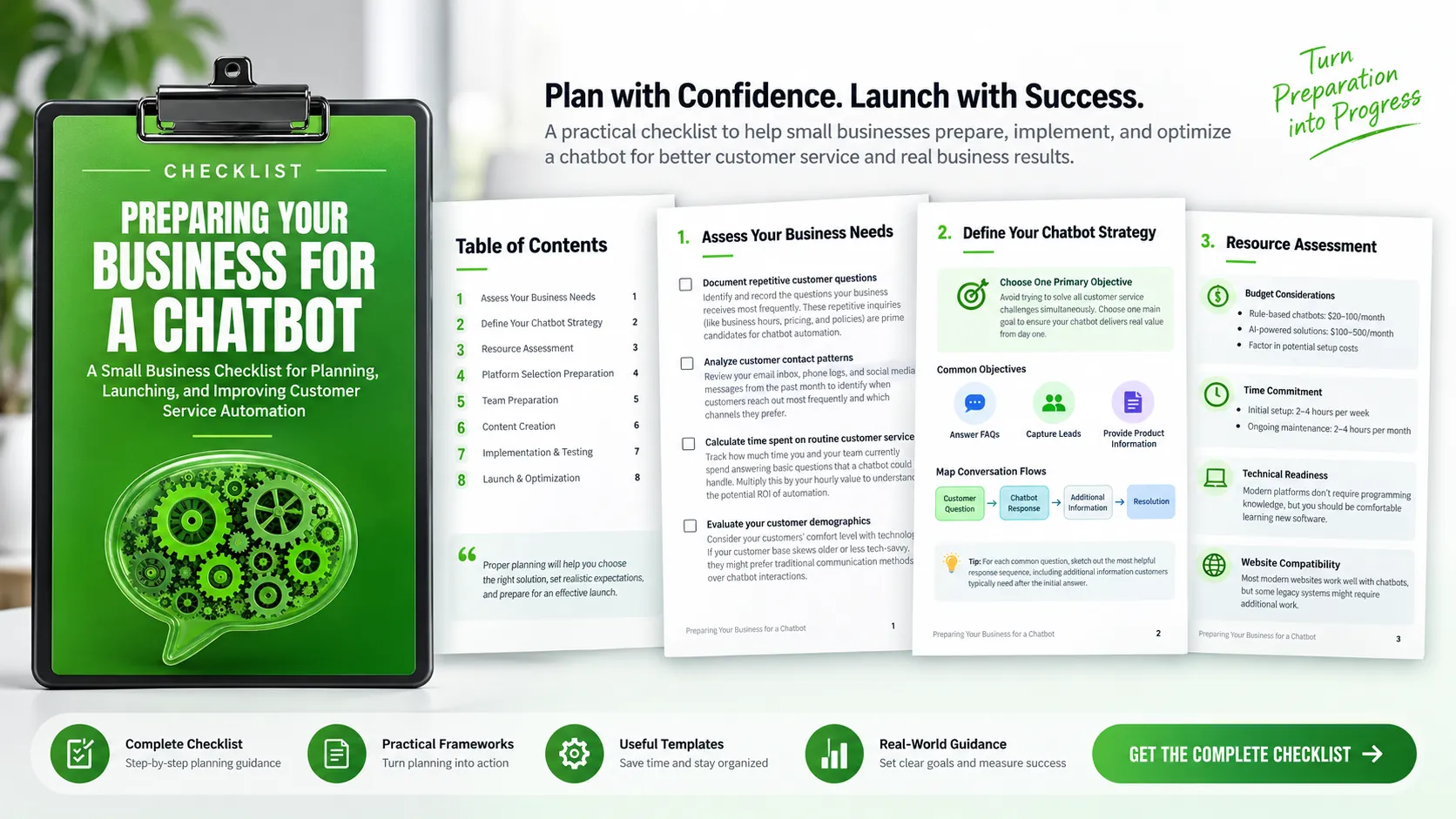
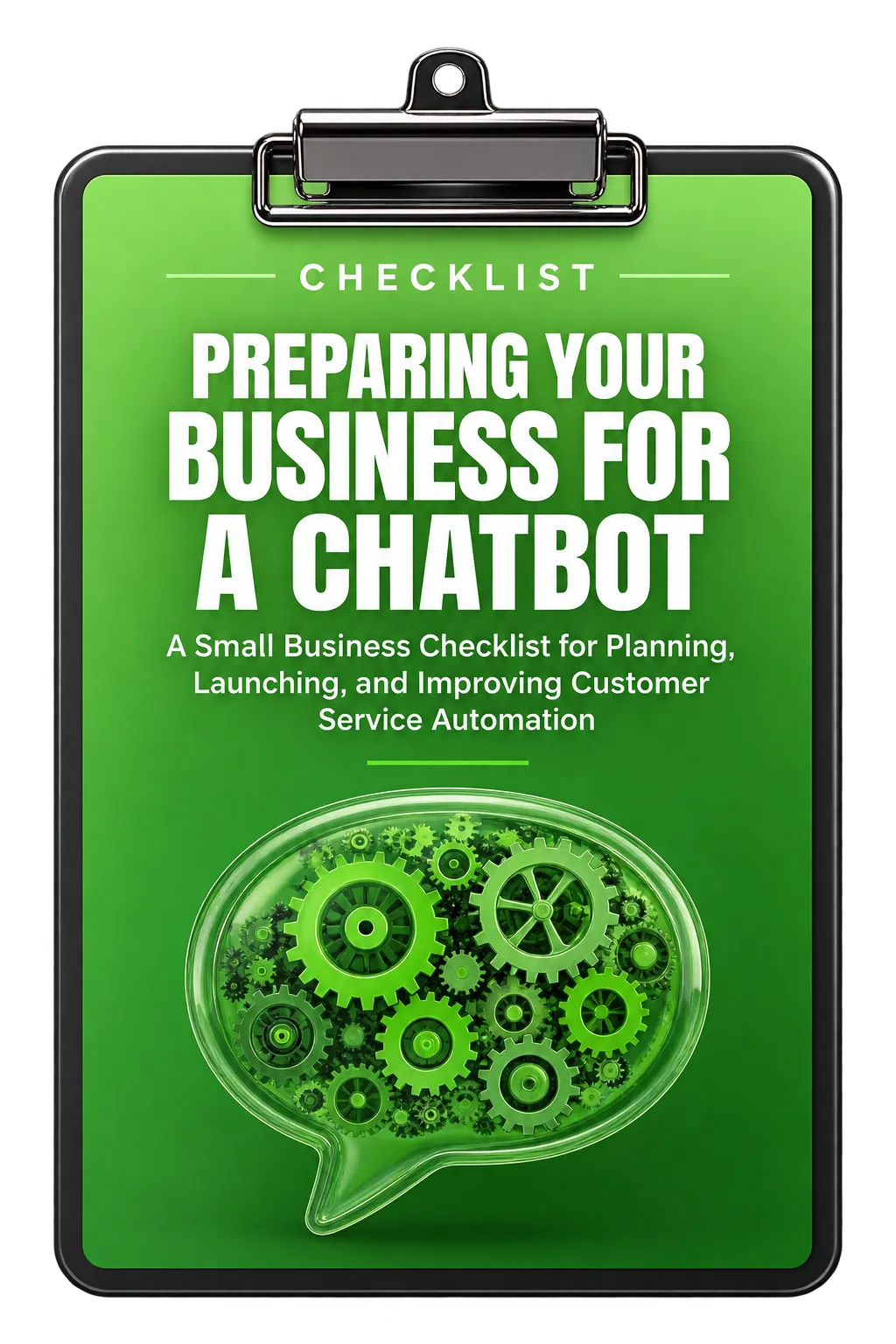
A chatbot can become part of how your business handles customer interactions, but successful implementation starts before the technology is installed. The Preparing Your Business for a Chatbot checklist provides a structured way to assess your needs, define a practical objective, prepare your team and content, and plan for testing and optimization.
The resource is designed for small businesses that want to make a considered decision rather than immediately adopting a chatbot without understanding what it needs to accomplish. Proper preparation can help you choose a suitable solution, establish realistic expectations, and create a stronger foundation for launch.
1. Assess Your Business Needs
The first step is understanding where a chatbot could actually help your business. Start by documenting the questions customers ask repeatedly. Common inquiries such as business hours, pricing, and policies can be candidates for chatbot automation and can help form the foundation of the chatbot's knowledge base.
Look at How Customers Contact You
Review recent customer interactions across the channels your business already uses. The checklist recommends examining your email inbox, phone logs, and social media messages from the past month. Look for patterns in when customers reach out and which channels they prefer. This can also help you determine whether after-hours support is an important consideration.
Measure Routine Customer Service Work
Consider how much time you and your team currently spend answering basic questions that a chatbot could potentially handle. Tracking this time and multiplying it by your hourly value can provide a way to understand the potential return from automating routine interactions.
Consider Your Customers
A chatbot should also fit the people you serve. Consider your customers' comfort level with technology. If your audience includes people who are less comfortable with technology, traditional communication methods may remain important alongside chatbot interactions.
2. Define a Clear Chatbot Strategy
Once you understand the opportunity, define what your chatbot is actually supposed to accomplish. The checklist recommends choosing one primary objective rather than attempting to solve every customer service challenge at once.
Possible objectives identified in the resource include answering frequently asked questions, capturing leads, or providing basic product information. A focused objective gives the chatbot a clear purpose and helps ensure it provides useful value from the beginning.
Map Common Conversation Flows
For each common customer question, think beyond the first answer. Sketch the response sequence and identify the additional information customers typically need after their initial question. This helps create a smoother interaction rather than treating every customer request as an isolated question-and-answer exchange.
Plan for Human Intervention
Not every situation should remain with the chatbot. Identify complex issues that should be transferred to a human team member, such as complaints, technical support questions, or high-value sales conversations. Establish clear handoff procedures so that the transition is planned rather than improvised.
Define Success Metrics
Decide how you will evaluate the chatbot. The checklist suggests considering measures such as conversation completion rate, response time, customer satisfaction, and lead generation. It gives example targets of a 70-85% conversation completion rate and a response time under 30 seconds.
3. Assess Your Resources
Before choosing a platform, understand the resources you can realistically commit. Budget is one consideration, but time, technical comfort, and website compatibility also affect implementation.
Understand Your Budget
The resource notes that rule-based chatbot solutions typically cost $20-100 per month, while AI-powered solutions can range from $100-500 per month, with potential setup costs in addition. These figures are presented in the checklist as planning considerations when evaluating what you can invest.
Assess Your Technical Comfort
Be realistic about your ability to learn and manage new software. The checklist notes that modern chatbot platforms do not necessarily require programming knowledge, but users should be comfortable learning software and following step-by-step instructions.
Plan the Time Commitment
Chatbot implementation requires more than the initial setup. The checklist recommends budgeting 2-4 hours per week for initial setup and 2-4 hours per month for ongoing maintenance and improvements. If that commitment is not practical, consider delaying implementation or delegating responsibility.
Check Website Compatibility
Verify that your current website platform supports chatbot integration. The resource notes that most modern websites work well with chatbots, while some legacy systems may require additional work.
4. Prepare for Platform Selection
Once your needs and resources are clear, establish the requirements your chatbot platform must meet. Create a list of must-have capabilities based on your situation. Examples in the checklist include appointment scheduling, lead capture forms, multi-language support, and CRM integration.
Then research platforms that match your needs, budget, and technical skill level. The checklist gives examples including Chatfuel, ManyChat, and Tidio for rule-based solutions, as well as Intercom and Drift for more sophisticated AI options.
Platform selection should also include a testing plan. Before making the chatbot publicly available, plan to test it with internal team members and a small group of trusted customers who can provide honest feedback.
5. Prepare Your Team
A chatbot changes how customer conversations may reach your team, so human support needs to be part of the preparation process. Create clear handoff protocols that explain when conversations should move from the chatbot to a human and how staff can access previous conversation history.
Create Consistent Responses
Prepare response templates for common customer scenarios. The checklist recommends making these responses clear and friendly, using your brand voice, and keeping answers concise while still complete enough to be useful.
Establish Monitoring Responsibilities
Decide how your team will review chatbot conversations and identify opportunities for improvement. Regular monitoring can reveal questions the chatbot does not handle well and areas where responses need to be updated.
Train Staff
Team members should understand how the chatbot works, what its limitations are, and how to handle conversations escalated from the automated system. This preparation helps reduce confusion and supports consistent customer service.
6. Prepare the Chatbot's Content
The quality of the chatbot's responses depends on the information and conversation content prepared for it. Write clear, conversational responses that reflect your brand voice while providing useful information for common questions.
Design Lead Capture Conversations
If lead capture is one of the chatbot's objectives, create conversation scripts that collect contact information naturally rather than making the interaction feel like a static form.
Create Escalation Paths
Document how complex conversations should move to human support. The escalation process should be clear enough that both the chatbot and the team know what happens when an interaction falls outside the intended scope.
Collect Customer Feedback
The checklist recommends adding simple rating mechanisms at the end of conversations. Feedback can help you understand customer satisfaction and identify areas where the chatbot experience needs improvement.
7. Implement and Test Before Launch
After the planning and preparation stages, install the chatbot on your website according to the selected platform's instructions or available plugins.
Testing should cover more than whether the chatbot appears on the page. Check its behavior across smartphones, tablets, and desktop computers, as well as different browsers.
Internal team members should actively test the chatbot by asking unexpected questions and providing unusual responses. The goal is to uncover issues and knowledge gaps before customers encounter them.
Any problems discovered during testing should be addressed before the public launch. This creates an opportunity to improve the chatbot while the audience is still limited.
8. Launch Carefully and Optimize
The final stage is not simply turning the chatbot on. The checklist recommends a soft launch, initially activating the chatbot without announcing it so that performance can be monitored and adjustments can be made.
Before launch, brief your team again so everyone understands the chatbot's capabilities and knows when conversations will be transferred to humans.
Monitor the First Week
During the first week, review conversations daily. Look for patterns in customer questions, unsuccessful interactions, and areas where responses could be improved.
Continue Reviewing After Launch
Optimization should continue after the initial launch. Schedule regular review sessions to analyze performance metrics, examine failed conversations, and update responses based on actual customer interactions.
Use the Checklist Before You Launch
Preparing a business for a chatbot involves more than selecting software. You need to understand the customer questions you want to address, establish a focused objective, identify where humans need to remain involved, prepare your team and content, test the experience, and create a process for ongoing review.
The Preparing Your Business for a Chatbot checklist brings these considerations together into eight practical stages:
- Assess Your Business Needs: Identify repetitive questions, customer contact patterns, routine service time, and customer technology preferences.
- Define Your Chatbot Strategy: Choose one primary objective, map common interactions, plan human handoffs, and establish success metrics.
- Assess Your Resources: Review budget, technical comfort, time commitment, and website compatibility.
- Prepare for Platform Selection: Define must-have capabilities, research suitable platforms, and plan pre-launch testing.
- Prepare Your Team: Establish handoff procedures, response templates, monitoring responsibilities, and staff training.
- Create Content: Develop conversational responses, lead capture scripts, escalation paths, and feedback mechanisms.
- Implement and Test: Install the chatbot, test across devices and browsers, challenge it with unexpected questions, and fix identified issues.
- Launch and Optimize: Use a soft launch, brief your team, monitor early conversations, and schedule regular performance reviews.
Use this planning process to determine what your business needs before investing in a chatbot and to create a clearer path from preparation to launch. For the complete checklist and every individual planning item, download the full resource.