A Practical Framework for Website Chatbot Implementation
Implementing a website chatbot involves more than adding a chat widget to a website. A useful chatbot needs to fit the business, address relevant customer needs, reflect the brand, work alongside human support, and improve over time.
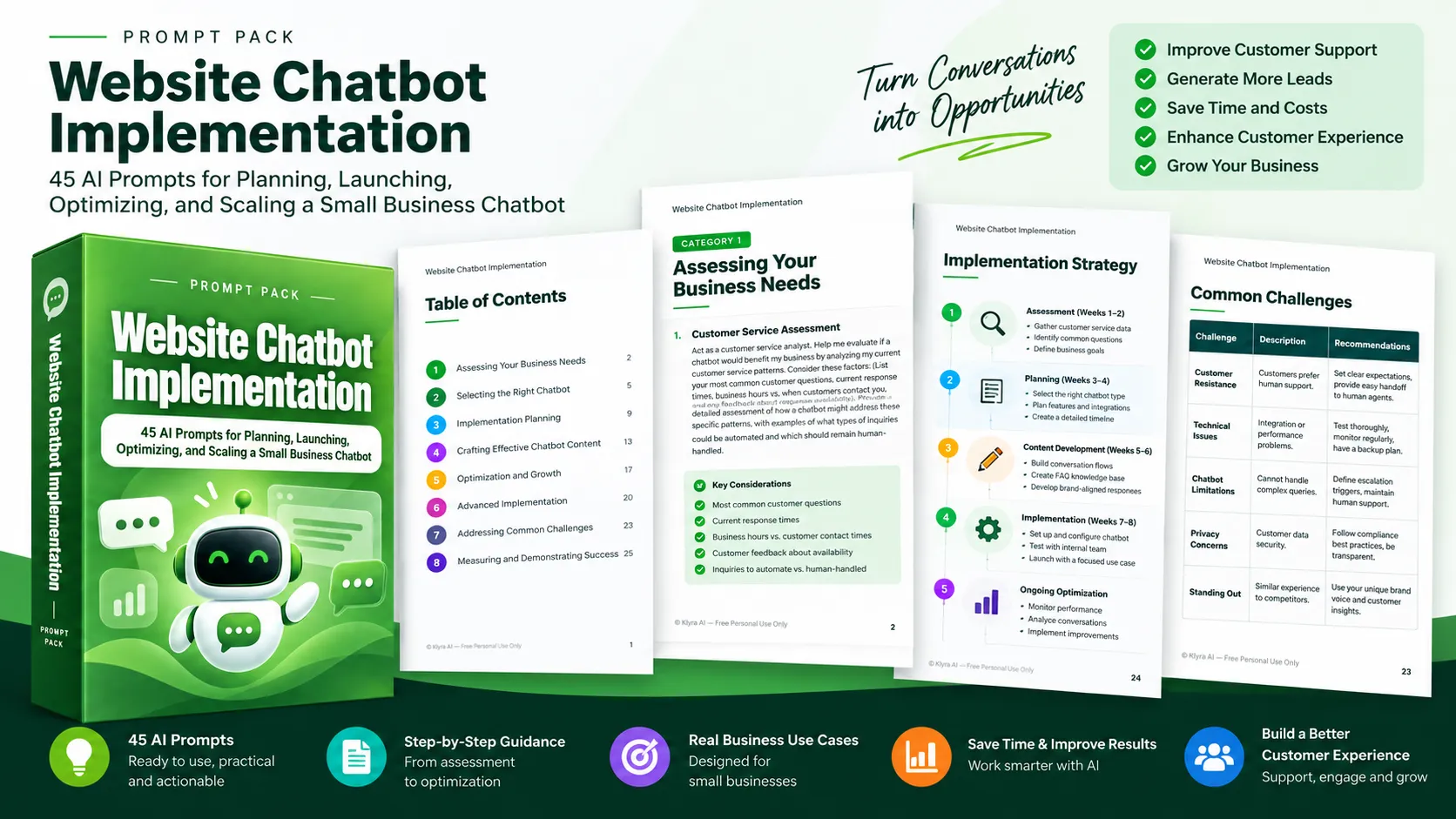
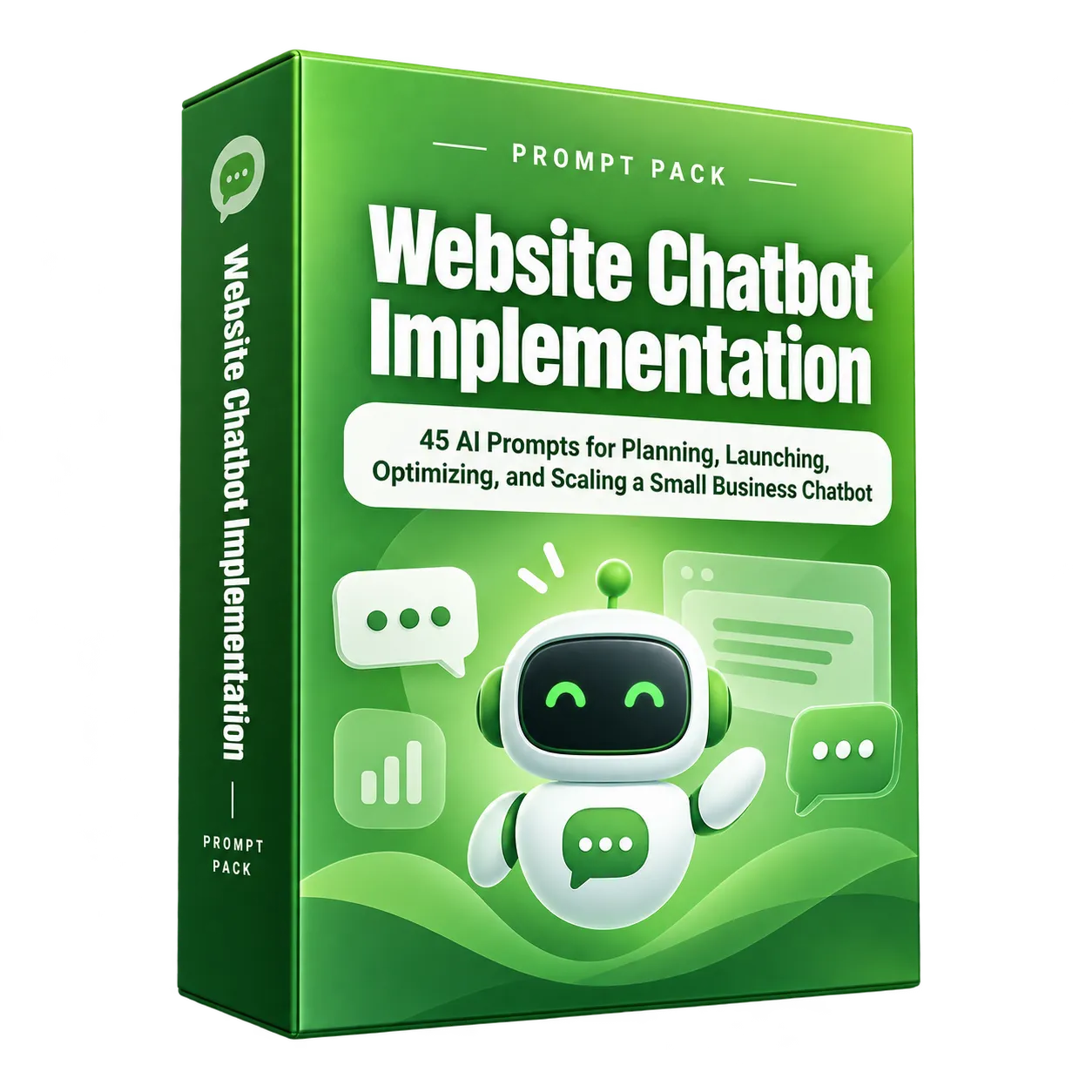
Website Chatbot Implementation provides 45 AI prompts that guide small businesses through this process. Each prompt is designed to help an AI assistant provide more specific recommendations when given information about the business, customers, existing processes, goals, and technical capabilities.
The resource moves from initial assessment through implementation and ongoing improvement, giving businesses a structured way to think about their chatbot journey.
Start by Assessing Whether a Chatbot Fits the Business
The first step is understanding whether a chatbot would actually address a meaningful business need. The assessment prompts examine current customer service patterns, repetitive questions, response times, business hours, customer expectations, technical readiness, and the customer journey.
Understand Customer Service Patterns
The customer service assessment prompt helps identify recurring questions, response availability, and opportunities for automation. It also distinguishes between inquiries that could potentially be automated and those that should remain human-handled.
Evaluate Time, Cost, and Opportunity
The time-cost and ROI prompts help businesses examine how much time is spent responding to repetitive inquiries and consider the potential financial impact, opportunity costs, lead-generation expenses, customer value, and website traffic.
Examine Customer Expectations
Customer demographics, technical comfort, purchase complexity, and service expectations can influence how customers respond to chatbot interactions. The resource encourages businesses to consider these factors before implementation.
Assess Business Readiness
Technical comfort, available implementation time, budget constraints, and the website platform are considered as part of the readiness assessment. Identifying gaps before implementation can help create a more realistic plan.
Select the Right Chatbot Approach
Once the business case is clearer, the next step is determining what kind of chatbot and capabilities are appropriate.
Compare Chatbot Types
The chatbot type comparison prompt helps businesses evaluate rule-based and AI-powered approaches against their specific requirements, customer questions, technical capabilities, and budget.
Prioritize Features
Rather than attempting to implement everything at once, the feature prioritization prompt focuses on business objectives, customer service pain points, available resources, and the potential impact of individual features.
Evaluate Platforms and Integrations
Businesses can use the platform comparison prompt to compare options against their requirements. The integration assessment examines existing systems such as CRM platforms, scheduling software, payment processors, and other business tools, with attention to integration opportunities and potential challenges.
Plan the Implementation
The implementation planning prompts turn the chatbot concept into a practical deployment plan.
Design Conversation Flows
The conversation flow prompt focuses on the most common customer inquiry and considers follow-up questions, variations in phrasing, decision points, answers, and escalation paths. This provides a structured way to design conversations around real customer needs.
Build a Chatbot-Friendly Knowledge Base
The FAQ knowledge base prompt helps transform common customer questions and existing answers into chatbot-friendly formats. Related questions can be grouped, while additional questions customers may ask can also be identified.
Adapt Existing Customer Service Content
Existing customer service scripts can be transformed into concise, conversational dialogue while maintaining important information and the business's brand voice.
Create a Deployment Timeline
The implementation timeline prompt creates a week-by-week plan based on available time, technical resources, decision-making processes, and upcoming business events. The resource also recommends starting with a simple, focused implementation addressing the most common customer inquiries and testing it internally before launch.
Create Effective Chatbot Conversations
A chatbot needs to communicate in a way that fits the business and its customers. The content-focused prompts address brand voice, welcome messages, response templates, escalation, conversation hooks, personalization, and consistency across channels.
Translate the Brand Voice
Businesses can provide their brand personality, values, target audience, and existing marketing examples to create chatbot greetings and response templates that reflect their established communication style.
Improve Welcome and Response Messages
The welcome message prompt creates alternative approaches for testing chatbot engagement and conversion. Response template prompts address common interaction types such as product inquiries, troubleshooting, and returns.
Design Human Escalation
Not every interaction should be handled entirely by automation. The escalation protocol prompt helps define how conversations should move to human support, including available channels, support hours, complex inquiries, transfer processes, and customer communication during the transition.
Use Personalization Carefully
The personalization prompts explore how available customer information can be used to make conversations more relevant without becoming intrusive. The resource also addresses consistency between chatbot messaging and other customer communication channels.
Optimize and Grow the Chatbot
Implementation is not treated as the end of the process. The optimization prompts provide ways to evaluate performance, analyze conversations, test changes, improve lead quality, and expand capabilities as the business grows.
Measure Performance
The performance metrics framework helps businesses define KPIs, measurement methods, and success benchmarks based on their business goals and customer service standards.
Analyze Conversations
Conversation analysis focuses on identifying patterns in chatbot interactions, categorizing conversation types, and prioritizing improvements according to business impact.
Test and Improve Incrementally
The A/B testing and continuous improvement prompts provide structured approaches for testing chatbot elements and developing a sustainable optimization workflow. The resource recommends making improvements incrementally and measuring results after changes.
Improve Lead Quality and Scale Capabilities
For businesses using a chatbot for lead generation, the lead quality prompt helps develop qualification questions and logic paths. The scaling strategy prompt helps determine how chatbot capabilities can evolve alongside business growth, products, and services.
Address Advanced Requirements and Common Challenges
The advanced implementation prompts cover multilingual support, deeper integrations, customer-data personalization, automation expansion, and seasonal adjustments.
The resource also addresses practical challenges including customer resistance, technical troubleshooting, chatbot limitations, privacy compliance, and competitive differentiation. These prompts encourage businesses to combine automation with human support where appropriate and establish preventive measures and backup procedures for potential technical issues.
Measure and Demonstrate Business Value
The final group of prompts focuses on demonstrating what the chatbot is contributing to the business.
- Executive reporting: Create concise summaries focused on metrics relevant to business success.
- Customer feedback: Develop structured approaches for collecting and analyzing feedback.
- Success documentation: Capture successful chatbot interactions and outcomes in a repeatable case study format.
- Failure analysis: Review unsuccessful conversations to identify patterns and prioritize improvements.
- Long-term value: Consider both immediate ROI and the chatbot's potential contribution to sustainable competitive advantage.
The Eight-Phase Prompt Toolkit
The 45 prompts are organized into eight major areas:
- Assessing Your Business Needs: Determine whether a chatbot fits current customer service patterns and business requirements.
- Selecting the Right Chatbot: Compare approaches, prioritize features, evaluate platforms, and consider integrations.
- Implementation Planning: Design conversations, build knowledge resources, prepare teams, create timelines, and manage implementation risks.
- Crafting Effective Chatbot Content: Develop brand-aligned conversations, welcome messages, response templates, escalation protocols, and personalization strategies.
- Optimization and Growth: Measure performance, analyze conversations, test changes, improve leads, and plan for growth.
- Advanced Implementation: Explore multilingual support, deeper integrations, personalization, automation expansion, and seasonal strategies.
- Addressing Common Challenges: Prepare for customer resistance, technical issues, chatbot limitations, privacy requirements, and competitive differentiation.
- Measuring and Demonstrating Success: Report results, collect feedback, document successful outcomes, analyze failures, and assess long-term value.
An Eight-Week Starting Path
The implementation strategy in the resource provides a structured starting path for using the prompts.
Weeks 1-2: Assessment
Gather customer service data, common questions, and business metrics, then use the assessment prompts to determine whether a chatbot is appropriate and establish clear goals.
Weeks 3-4: Planning
Use the chatbot selection and implementation planning prompts to develop a detailed plan, timeline, and resource allocation based on the business context.
Weeks 5-6: Content Development
Develop chatbot personality, responses, and a knowledge base using examples of the brand voice, customer communication, and common scenarios.
Weeks 7-8: Implementation
Follow the implementation plan, begin with a focused use case, and test thoroughly with internal team members before launching to customers.
Ongoing: Optimization
Continue using the optimization and success-measurement prompts with updated performance data and customer feedback. Implement changes incrementally and measure the results of each change.
How to Get More Value from the Prompts
The resource recommends providing specific context because more information about the business, customers, and current processes can produce more tailored AI guidance.
A sequential approach can also help create a more coherent implementation strategy. Businesses are encouraged to document useful AI responses, ask follow-up questions when more detail is needed, and combine AI-generated ideas with their own understanding of their business and customers.
Long-term success requires continued review. The resource recommends regular analysis and optimization, building on areas where the chatbot proves useful, staying focused on customer needs, measuring business outcomes, and adapting the chatbot as the business or market changes.
The central principle is that chatbot implementation is an ongoing improvement process rather than a one-time project. The complete resource provides the 45 prompts needed to work through that journey in greater detail.