Getting Started with AI in Teaching
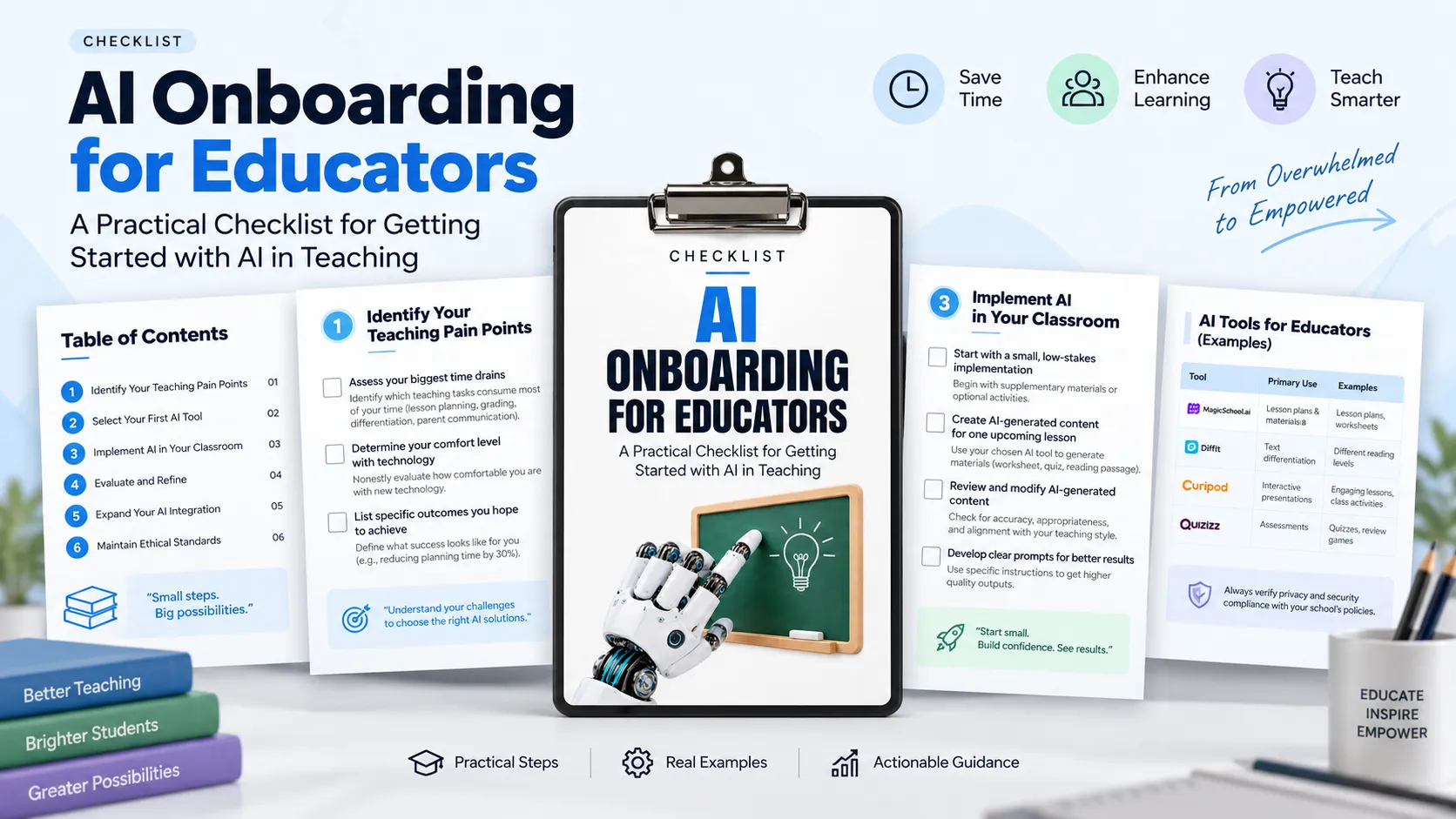
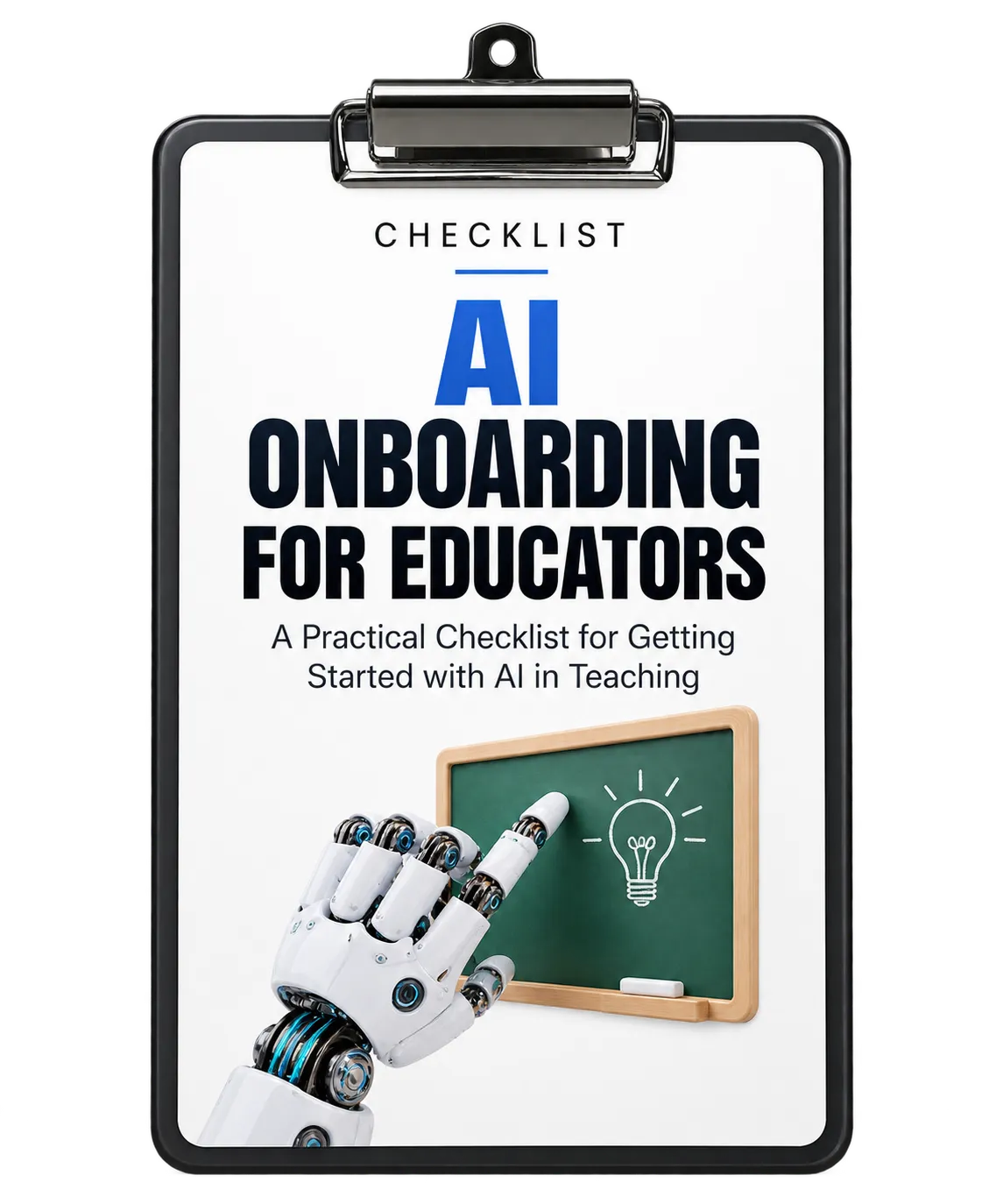
Introducing AI into teaching does not have to begin with a complete change to your existing classroom practice. The checklist presents a gradual onboarding approach that starts with understanding your own needs, selecting one appropriate application, testing it in a manageable setting, and learning from the results.
The overall approach is designed to help educators move from feeling overwhelmed by AI to becoming more confident in using it as a teaching assistant. The focus is on practical applications that can save time while supporting student learning.
1. Identify Your Teaching Pain Points
The first step is to understand where AI could provide the most useful support. Rather than starting with a specific AI tool, identify the teaching activities that consume the most time or create the greatest challenges.
Assess Your Biggest Time Drains
Consider which recurring responsibilities take up significant time. The checklist highlights areas such as lesson planning, grading, differentiation, and parent communication. Understanding these challenges gives you a practical starting point for identifying where AI may provide useful relief.
Determine Your Comfort Level With Technology
Evaluate how comfortable you are with new technology. This self-assessment helps establish realistic expectations for your AI implementation journey and can help you choose an appropriate entry point.
Define the Outcomes You Want
Decide what success should look like before introducing AI. Possible goals mentioned in the checklist include reducing planning time, providing more personalized feedback, and creating differentiated materials. Concrete goals make it easier to measure whether your approach is working.
2. Select Your First AI Tool
Once you understand your most important teaching challenge, focus on finding an AI application that addresses it. The checklist recommends starting with one tool instead of attempting to learn several applications simultaneously.
Explore Education-Specific AI Tools
Consider tools designed specifically for educators and teaching tasks. The resource gives examples including MagicSchool.ai for lesson plans and materials, Diffit for text differentiation, Curipod for interactive presentations, and Quizizz for assessments.
Education-specific applications may offer features and privacy protections that are relevant to educators, but the checklist emphasizes that privacy and security should still be verified before use.
Verify Privacy and Security
Before using a selected application, check whether it complies with your school's data privacy policies and student protection requirements. This is an important part of responsible implementation because AI use can involve educational materials and student-related information.
Start With One Tool
Choose a single application that addresses your biggest pain point. Concentrating on one tool helps prevent information overload while giving you an opportunity to build familiarity and confidence.
Set Aside Time to Learn
Dedicate approximately 15 to 30 minutes to exploring the basics of the selected tool without the pressure of immediately implementing it. This focused exploration period can help reduce anxiety and make the first classroom application more manageable.
3. Implement AI in Your Classroom
After becoming familiar with the selected application, begin with a small and low-stakes implementation. The checklist recommends avoiding a major or critical classroom implementation as the first experiment.
Start Small
Begin with supplementary materials or optional activities rather than core lessons. This gives you an opportunity to understand how the tool performs while reducing pressure during the learning process.
Create Materials for One Upcoming Lesson
Apply the tool to a specific upcoming lesson. Examples in the resource include creating a worksheet, quiz, or differentiated reading passage. Working on one concrete teaching need makes the value of the tool easier to observe.
Review and Modify AI-Generated Content
AI-generated material should be carefully examined before it is used. Review the output for accuracy and appropriateness, and modify it so that it aligns with your teaching style and standards.
Develop Clear Prompts
The checklist emphasizes that specific instructions can produce better AI results. Instead of asking AI to make something broadly about a subject, provide relevant details and requirements. The resource illustrates this approach with a prompt for creating a fifth-grade reading passage about photosynthesis at three different reading levels.
Learning to give clearer instructions becomes an important part of getting useful results from AI.
4. Evaluate and Refine Your Approach
After implementing AI, take time to assess what happened. Evaluation helps determine whether the application is providing the expected value and where the process can be improved.
Document Time Savings
Compare the time required for an AI-assisted task with the time required using your previous method. Tracking this difference provides concrete information about whether the tool is helping you work more efficiently.
Gather Student Feedback
Ask students how they responded to AI-enhanced materials or activities. Their feedback can provide useful perspective on engagement and effectiveness.
Identify Improvements
Reflect on what could be improved. This may involve changing your prompts, using a different tool, or adjusting how AI is incorporated into the teaching process.
5. Expand Your AI Integration Gradually
Once you are comfortable with your first application, the checklist recommends expanding gradually rather than introducing many new applications at once.
Add One New AI Application Each Month
Introduce another application in a different area of teaching after becoming comfortable with the first one. A steady approach can help build your AI toolkit without creating unnecessary overwhelm.
Create Templates for Recurring Tasks
Save effective prompts for activities you perform regularly. The resource gives examples such as weekly quizzes, parent updates, and differentiated worksheets. Reusable prompts can help compound time savings across recurring work.
Connect With Other AI-Using Educators
Find colleagues at your school or online who are also implementing AI. Sharing strategies, support, and troubleshooting experiences can help educators continue learning as they expand their use of AI.
6. Maintain Ethical Standards
Responsible AI use remains an important part of the onboarding process. The checklist emphasizes that AI should enhance teaching while educators retain responsibility for the human elements of their work.
Establish Clear Boundaries
Decide which tasks are appropriate to delegate to AI and which require your direct attention. Clear boundaries help ensure that AI supports rather than replaces your professional expertise.
Be Transparent With Stakeholders
Communicate with students, parents, and administrators about how and why AI is being used. Transparency can help build trust and address potential concerns proactively.
Review AI Outputs for Bias
Regularly examine AI-generated material for potential bias or inappropriate content. The checklist gives particular attention to culturally sensitive materials, where careful review can help support equitable and appropriate content.
Use the Checklist as a Gradual Onboarding Process
The resource presents AI adoption as a progression rather than a single implementation event. Start by identifying a genuine teaching need, choose one appropriate application, learn its basics, test it on a manageable task, and review the results.
From there, educators can refine their approach, create reusable templates, connect with other AI-using educators, and gradually introduce additional applications. Throughout the process, privacy, quality control, transparency, professional judgment, and review of AI outputs remain important considerations.
The result is a practical path for developing confidence with AI while keeping teaching goals and student learning at the center of implementation.